
DataSoft’s Latest News and How-Tos
Stay up to date with everything happening at DataSoft. Here you’ll find practical guides for Sage 50 Accounting, deep‑dive technical articles, performance troubleshooting, and tips for getting the most out of Articles, our reporting platform. We also share product updates, new features, and behind‑the‑scenes improvements happening at DataSoft, all focused on helping you work faster, smarter, and with fewer headaches.
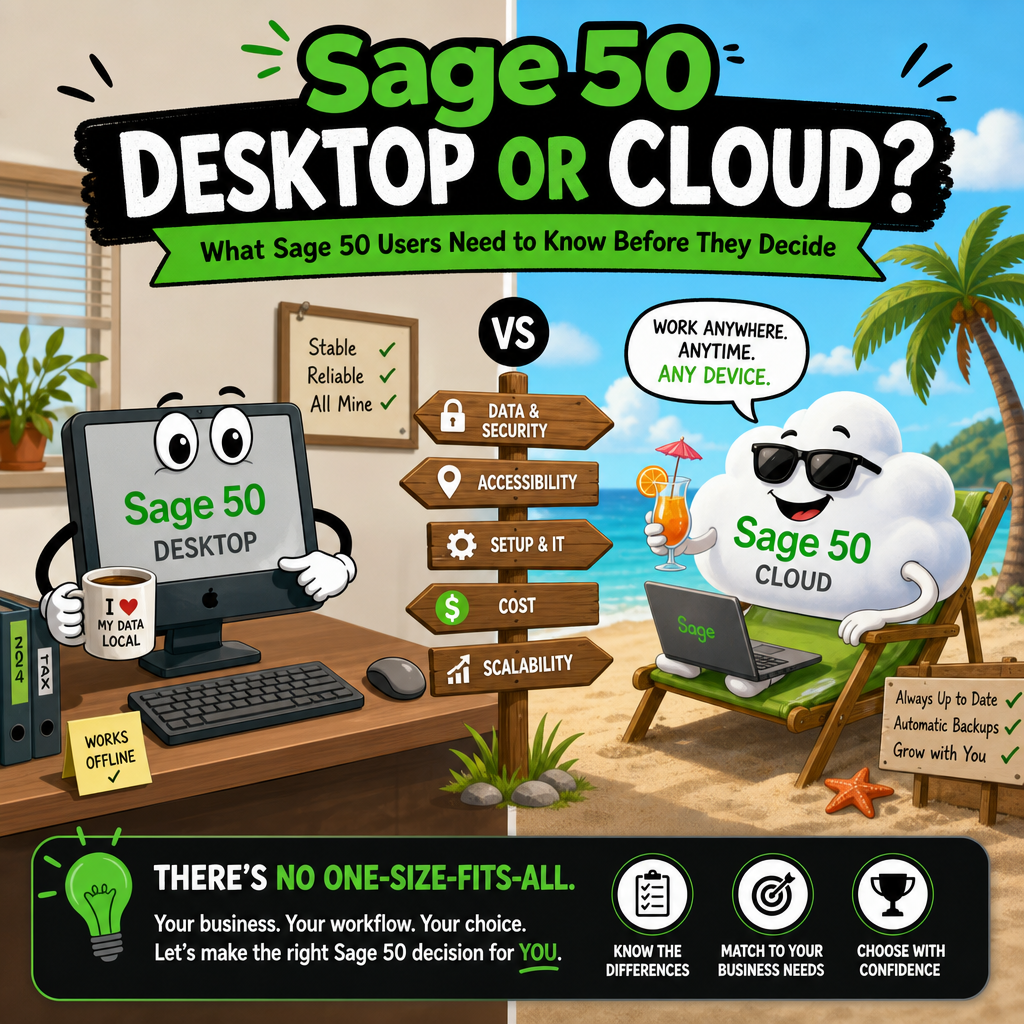
Sage 50 Desktop or Cloud?
What Sage 50 Users Need to Know Before They Decide If you have been using Sage 50 for any length of time, you have probably seen the push toward the cloud subscription. Sage has been steering users in that direction for about a year, and the marketing makes it sound like a straightforward upgrade. The […]
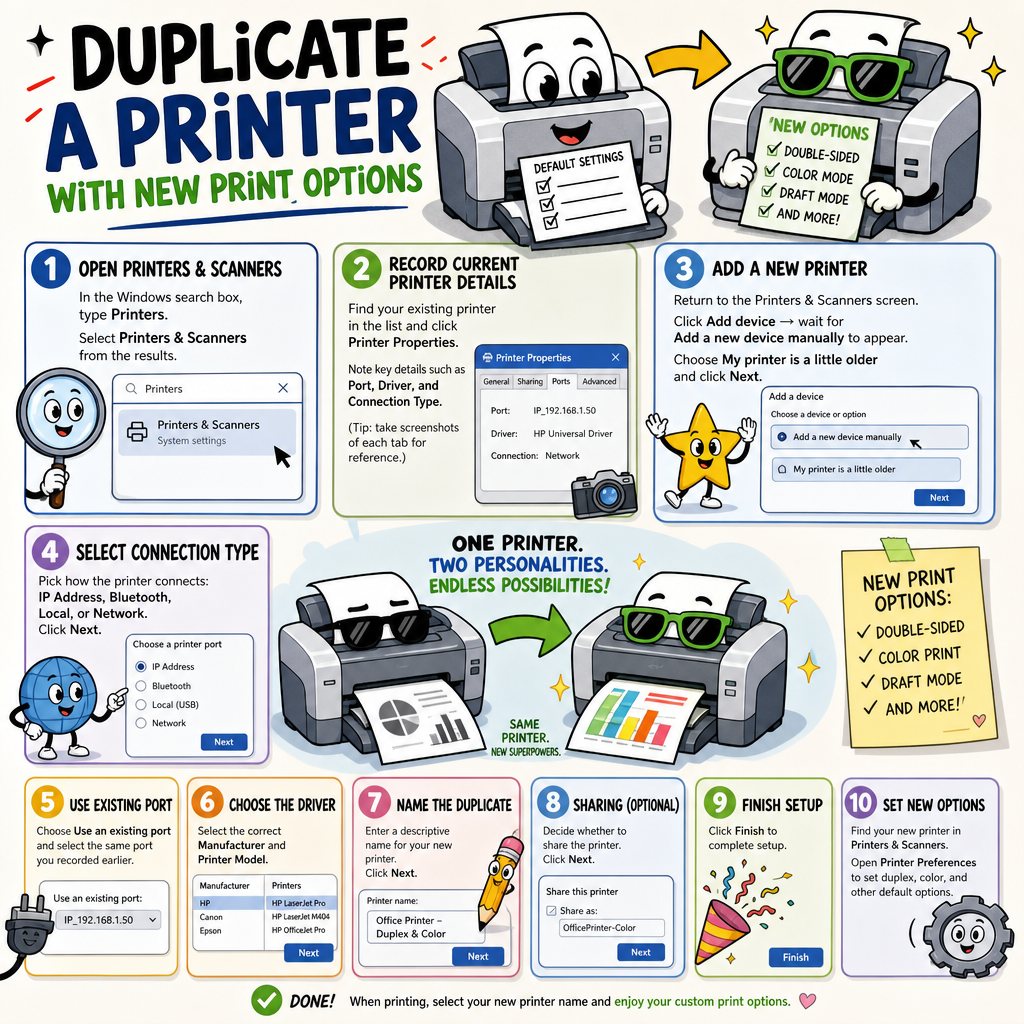
Duplicate a printer with new print options
Tip: Create a Duplicate Printer for Double-Sided Printing Did you know you can add the same printer twice in Windows 11 — once set to print single-sided, and once set to always print double-sided? No more digging through printer settings every time. Just pick the right “printer” from the list when you print, and Windows […]
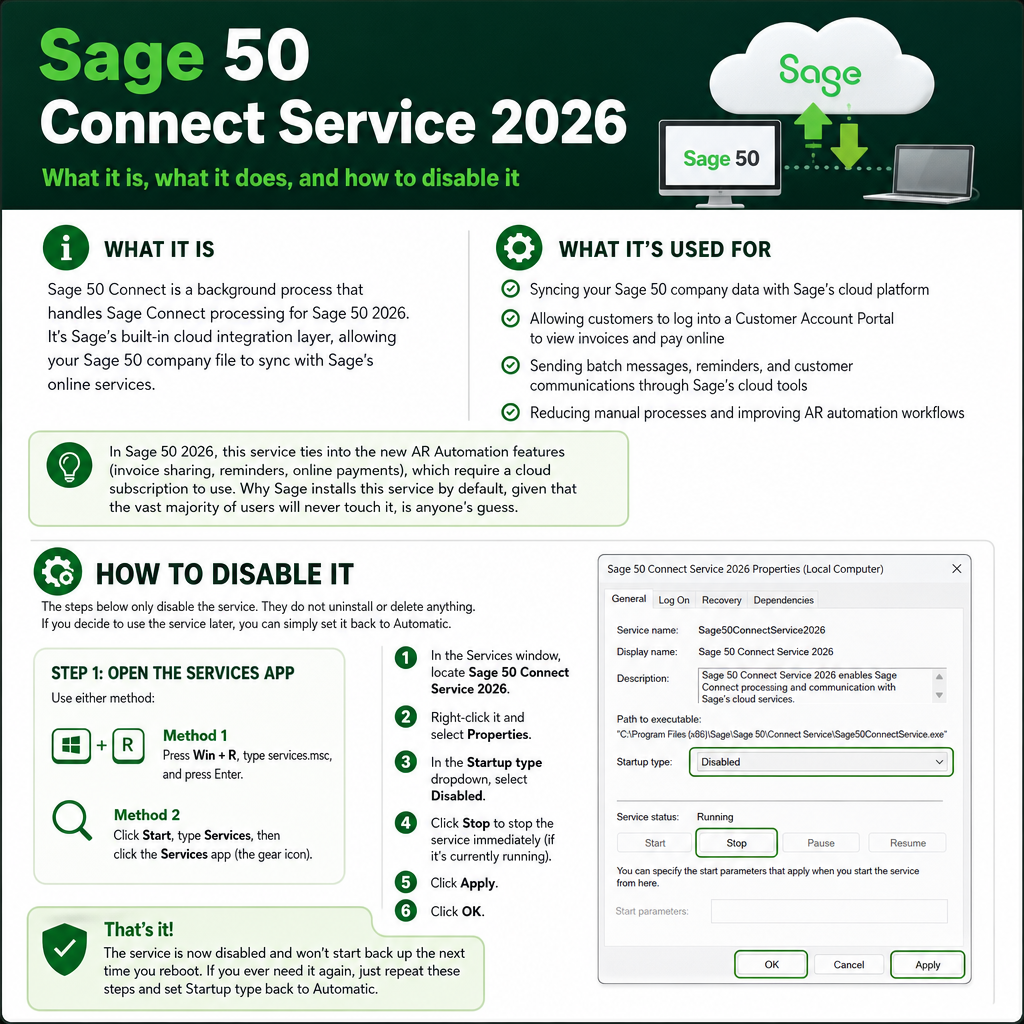
Sage 50 Connect Service 2026
What it is Sage 50 Connect is a background process that handles Sage Connect processing for Sage 50 2026. It’s Sage’s built-in cloud integration layer, allowing your Sage 50 company file to sync with Sage’s online services. What it’s used for In Sage 50 2026, this service ties into the new AR Automation features (invoice […]
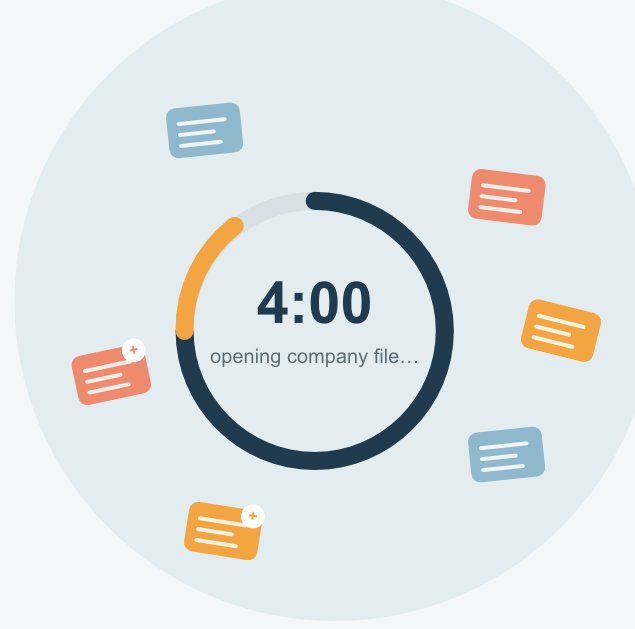
Opening Your Sage 60 2026 Company Takes Forever (And How to Fix It)
Sage 50 2026 taking up to 4 minutes to open your company file? New background services introduced in this release are creating extra data records that slow things down. Here’s why it’s happening — and how our Data Recovery Service can get your dataset cleaned up and running fast again.
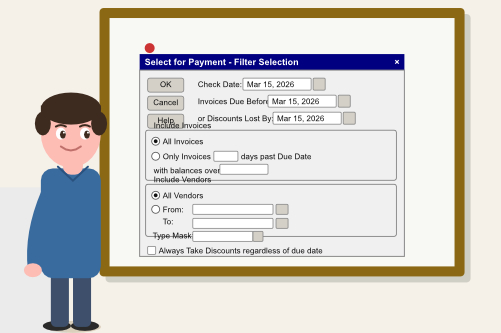
Using the Select For Payment Screen Properly in Sage 50
The Select for Payment screen in Sage 50 is more powerful than most users realize. With the right filters, smart use of the Pay Amount column, and a watchful eye on the running total, you can turn AP into a daily cash flow control center. Here’s how to get the most out of it.
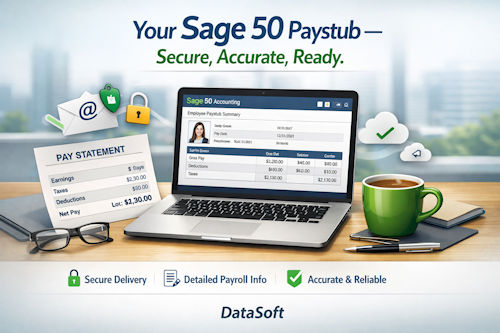
Bulk Email Paystubs for Sage 50
Bulk Email Paystubs for Sage 50 — a fast, secure, and automated way to generate and email paystubs directly from your Sage 50 company data.
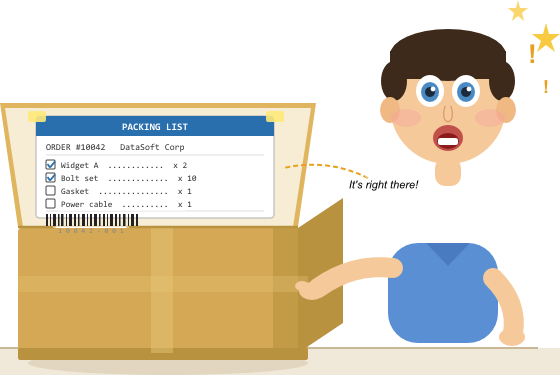
Packing Slip Label inside the box – 4×6 thermal labels
There it is — right on the inside of the flap. No hunting through paperwork, no wondering if everything made it into the box. Every item listed, every checkbox ready to tick, and a barcode at the bottom that updates your system the moment the box is sealed. Your customer sees it the second they open the box. Your warehouse team used it to pack it. Simple, cheap, and it works every time.
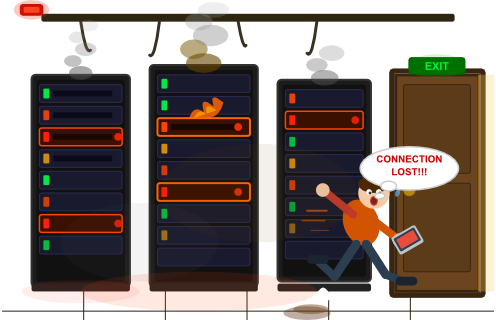
Sage 50 Keeps Losing Connection
Sage 50 disconnecting randomly? Most dropouts come from network interruptions, power‑saving settings, Wi‑Fi, DNS issues, or cloud‑sync interference. Learn the exact technical fixes that stabilize Sage 50 in multi‑user environments.

Sage 50 Multi‑User Performance That Doesn’t Crawl
Sage 50 running slowly or freezing in multi-user mode? The culprits are usually antivirus, cloud sync, Wi-Fi, or bad drive mappings choking the Actian Zen engine. This guide gives you a practical, step-by-step checklist to track down the cause and fix it fast.

What Actually Happens During Year End Wizard in Sage 50 US (Behind the Scenes)
Most Sage 50 users worry that Year‑End Wizard deletes data, but it doesn’t. This guide explains exactly what happens during year‑end close — how balances reset, why prior years lock, what changes behind the scenes, and how to prepare so your financials stay accurate.