
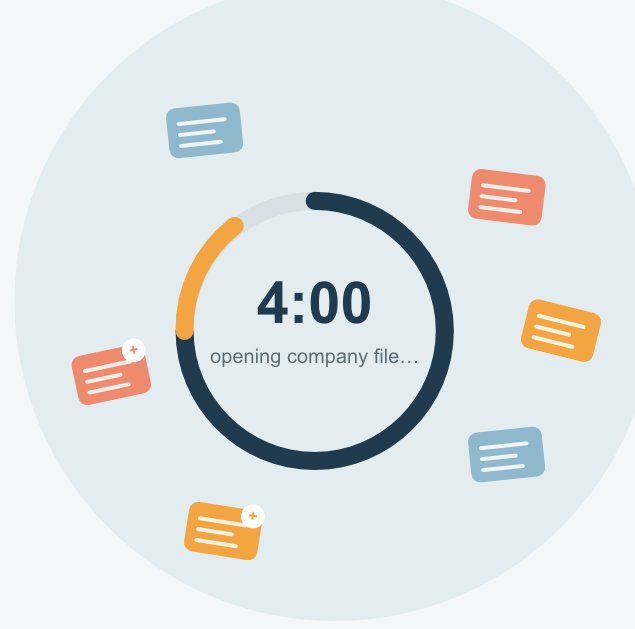
If you've recently updated to Sage 50 2026 and noticed that opening your company file now takes significantly longer — sometimes up to four minutes, you're not imagining it, and you're not alone.
What's Going On
With the 2026 release, Sage introduced several new background services that run as part of Sage 50. While these services are designed to add new functionality, they're also creating a large number of additional data records behind the scenes. Over time, these extra records build up in your company dataset, and that buildup is what's slowing things down when you open your company file.
The good news: this isn't a sign that anything is wrong with your business data. It's an issue with how the dataset itself has grown, and it can be fixed.
How to Fix It
To get your company file back to opening quickly, your dataset needs to be cleaned up — specifically, those extra records need to be safely identified and removed without affecting your actual business data.
Here's how the process works:
- Submit your dataset to DataSoft's Data Recovery Service.
- We repair your database, removing the extra records that are causing the slowdown, while keeping your company data fully intact.
- We remotely connect to your computer to configure your system so this issue doesn't come back.
Once this is complete, your company file should open at normal speed again, no more waiting around for several minutes just to get started with your day.
Ready to Get Started?
If you're experiencing slow company load times in Sage 50 2026, reach out to our team or submit your dataset for repair.