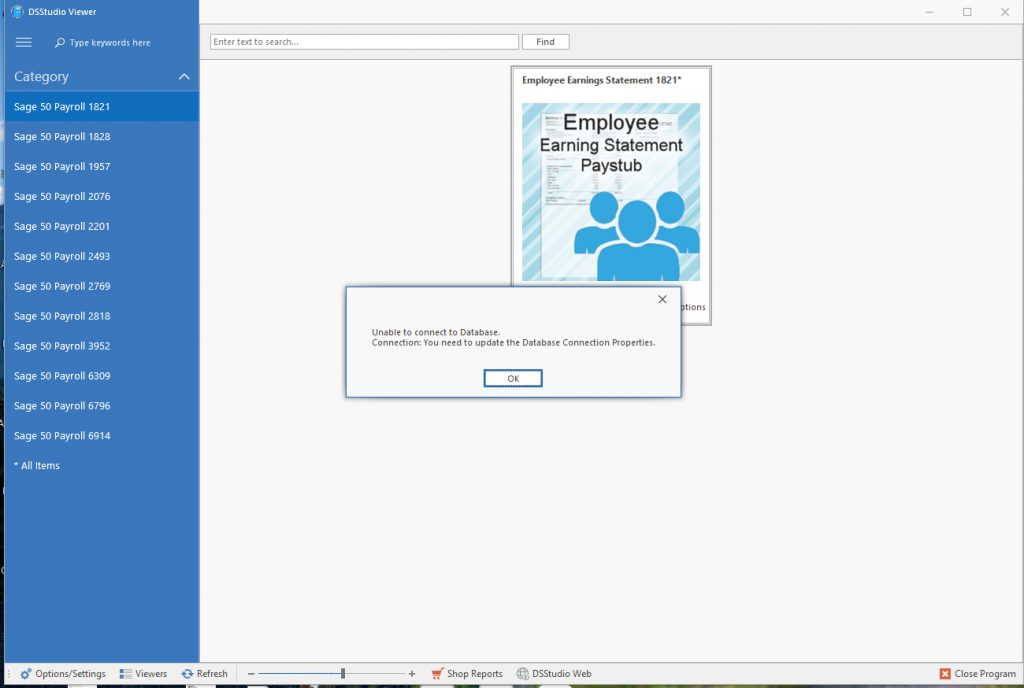
If you recently updated your Sage 50 software, the update may have reset or removed your existing database connection settings. When you attempt to run a DSStudio report after the update, you may encounter an error dialog similar to the following:
Unable to connect to database
Connection: You need to update the Database Connection Properties
Verify Sage 50 User Security and Data Access Credentials
If the issue is related to user permissions or data‑access credentials, follow the steps below to confirm the correct settings:
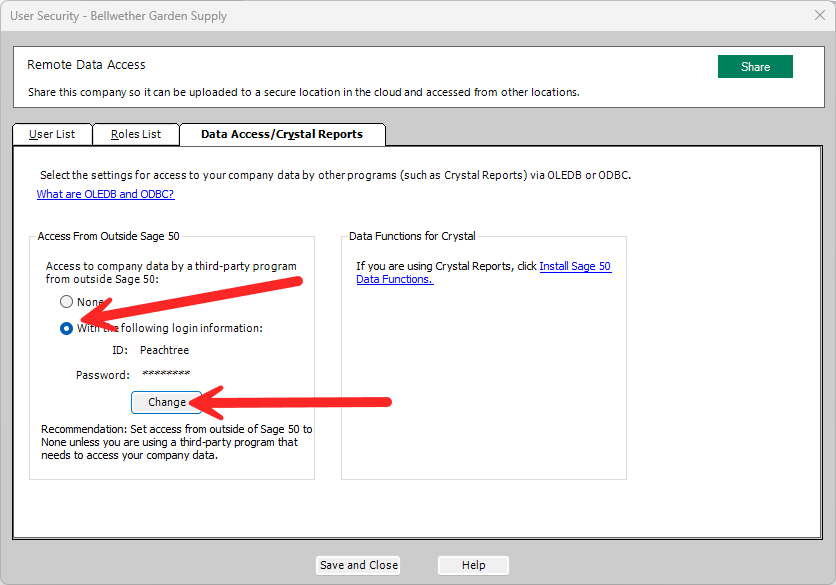
- In Sage 50, using the top Main Menu and navigate to:
Maintain → Users → Set Up User Security. - Allow the User Security window time to load. Depending on system performance and company size, this screen may take several moments to appear.
- Select the Data Access / Crystal Reports tab.
- Confirm that the configured password matches the required data‑access password. This could be a password you assigned or the default DSStudio readonly password: Peachtr1